Alhambra Hospital Medical Center (Link opens in a new window)
100 South Raymond Avenue
Alhambra, CA 91801


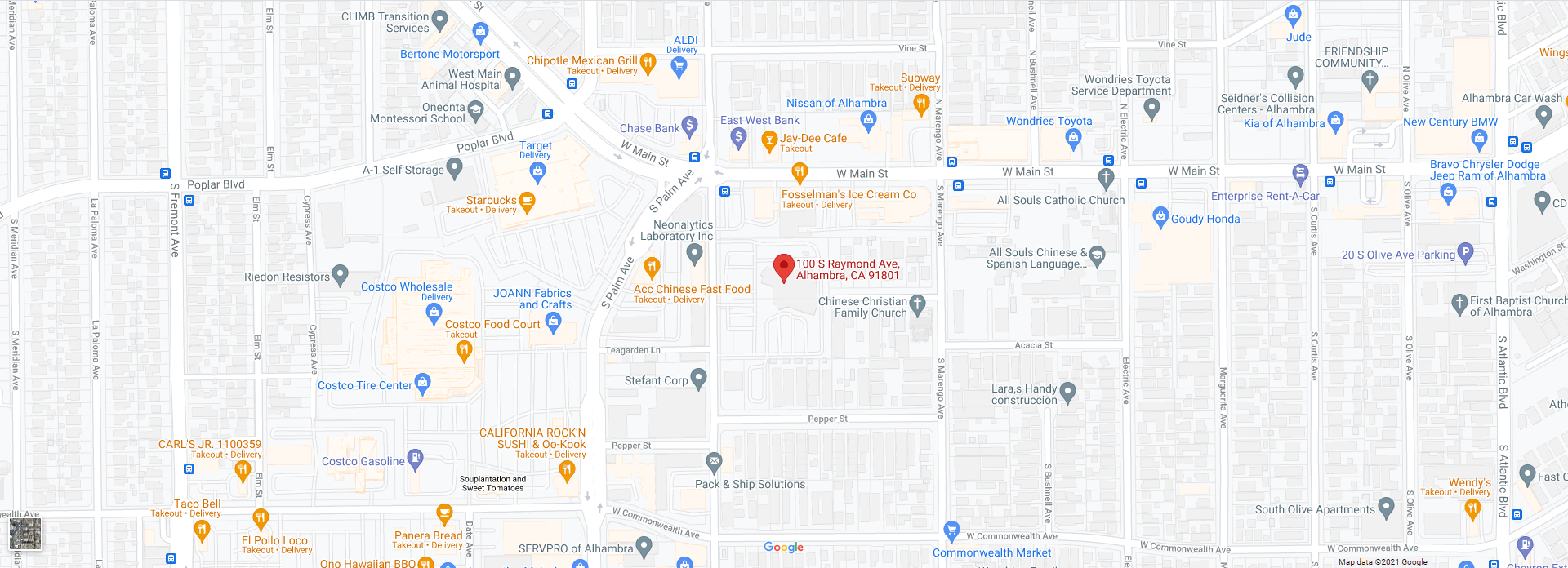
100 South Raymond Avenue
Alhambra, CA 91801
The program includes the Merriam Webster Medical Dictionary, A research engine, and The FastNurse Personal Research Service as well as other interesting components.

100 South Raymond Avenue,
Alhambra, CA 91801
email: info@alhambrahospital.com

